> For the complete documentation index, see [llms.txt](https://help.palmstreet.app/llms.txt). Markdown versions of documentation pages are available by appending `.md` to page URLs; this page is available as [Markdown](https://help.palmstreet.app/buyer/explore-palmstreet-features/how-to-use-the-shopping-cart.md).
# How to use the shopping cart
The Shopping Cart lets you add multiple marketplace items, review them together, and manage your purchases in one place. You can add items from different sellers to your cart and check out when you’re ready.
### What is the Shopping Cart?
The Shopping Cart allows you to:
* Add multiple items before checking out
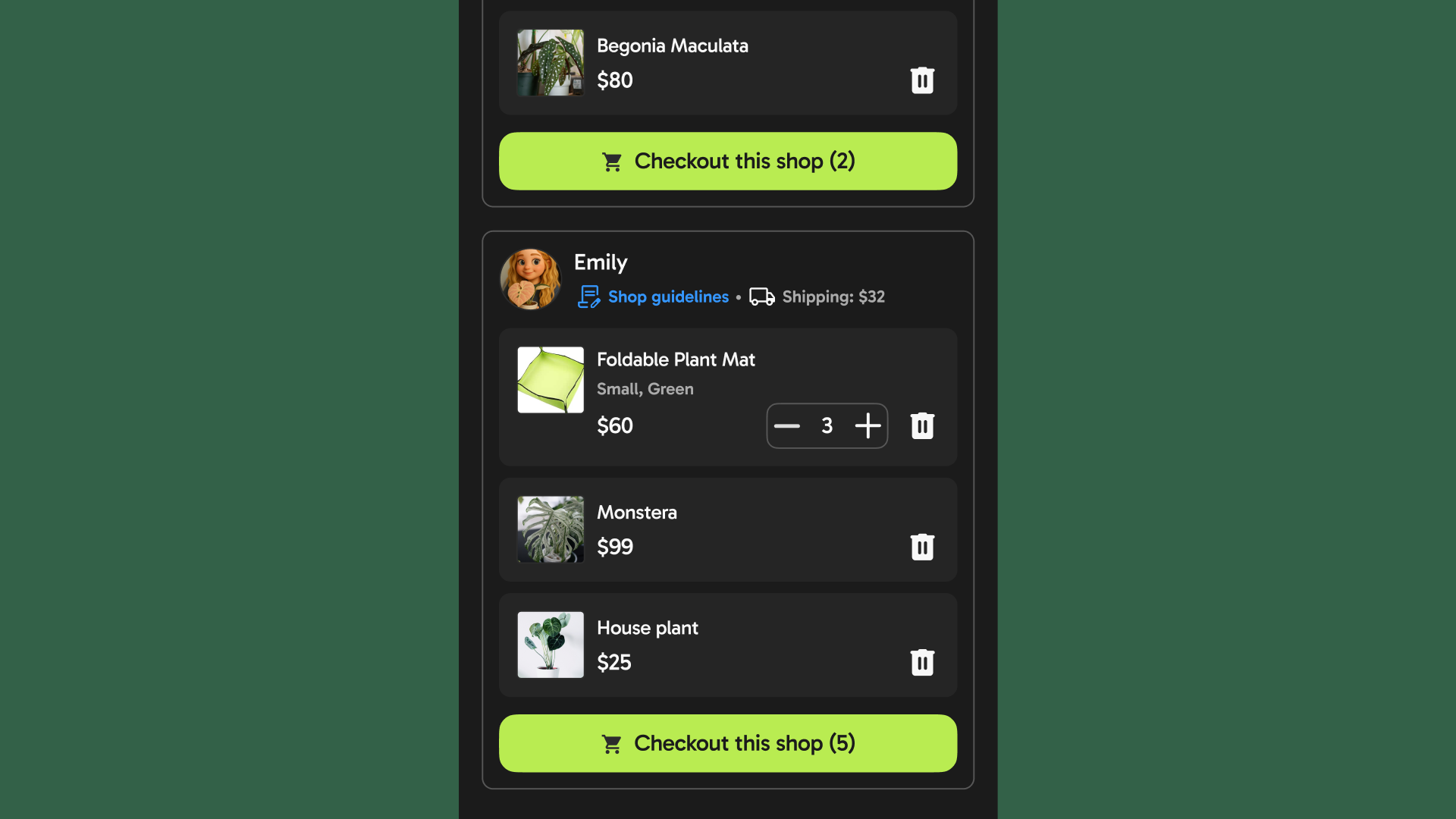
* Shop across different sellers in one cart (items automatically grouped by seller)
* Review subtotals and shipping fees by seller
* Check out items by seller
At checkout, your order is automatically split by seller so each seller can fulfill their part separately.
### How to use the Shopping Cart
#### Add Items to Your Cart
You can add items to your cart from Marketplace (Shop).
* Or tap **Add to cart** on the product page
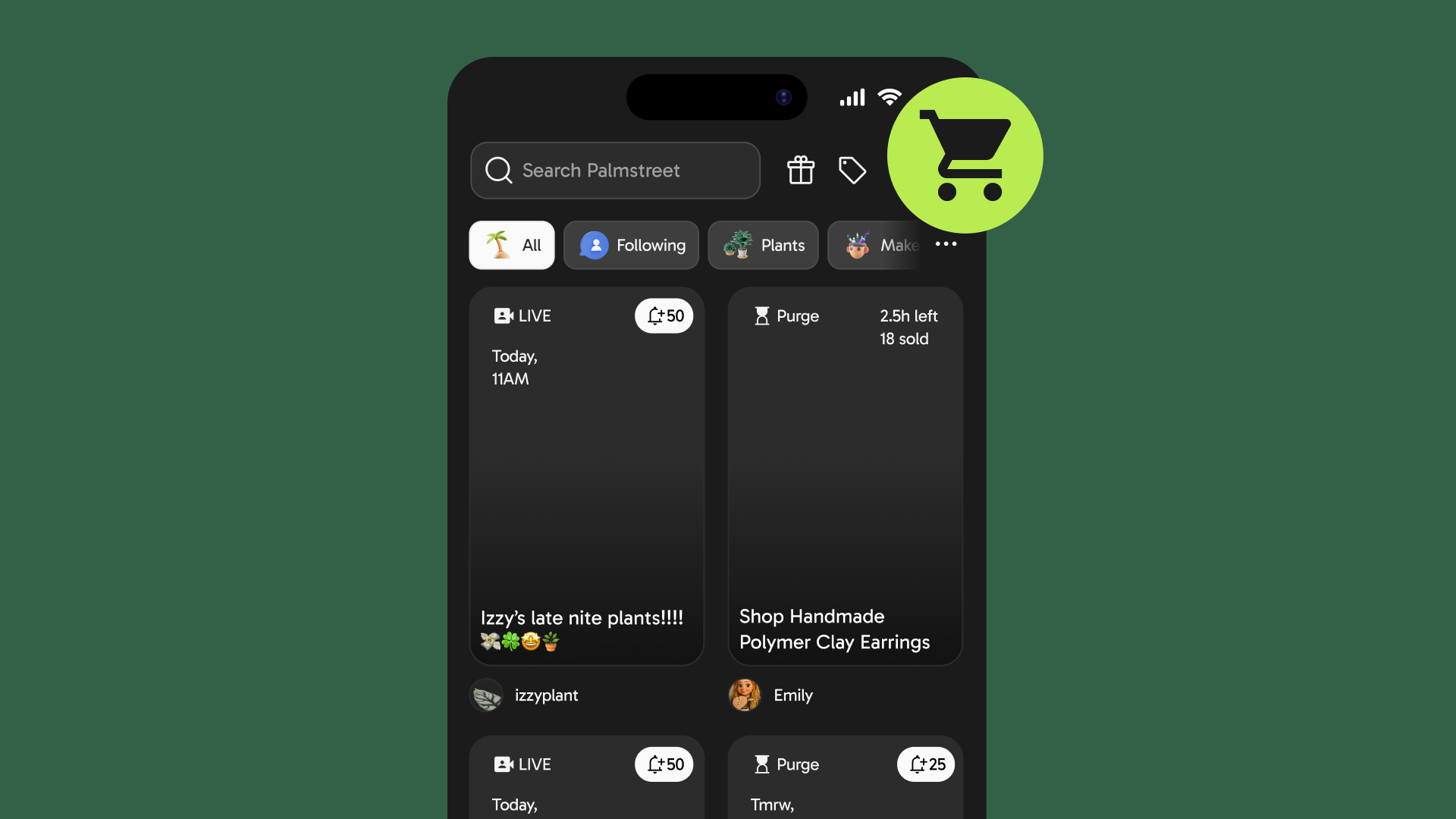
* Tap the **cart icon** on an item while browsing
#### View Your Cart
Tap the **cart icon** to open your cart at any time. In your cart, you can:
* See items grouped by seller, with subtotals and shipping fees for each seller
* Check how many items and shops are included
* Increase or decrease item quantities
* Remove items you no longer want
If inventory changes while you’re shopping, available quantities update automatically.
#### Check Out by Seller
When you’re ready to check out:
* Review your cart summary grouped by seller
* See clear subtotals and shipping fees for each seller
* Complete checkout and payment for each shop separately
After checkout, you’ll see a confirmation page where each seller’s items appear.
#### Coupons and Discounts
* Platform coupons can be applied to **one shop per checkout**
* You’ll see which shop the coupon applies to before completing payment
.png?alt=media&token=7f483f3c-9531-408e-b060-cfe3624a15e8)